Tutorial Thursday: Using the Author Affiliation Field in PsycINFO on EBSCOhost

It’s Tutorial Thursday! In this series, we explore APA’s library of video tutorials available on the PsycINFO® YouTube channel and the APA Style CENTRAL® YouTube channel. Please feel free to link to or embed our videos in your library websites or LibGuides, course management systems, or other locations where students, faculty, and researchers will find them.

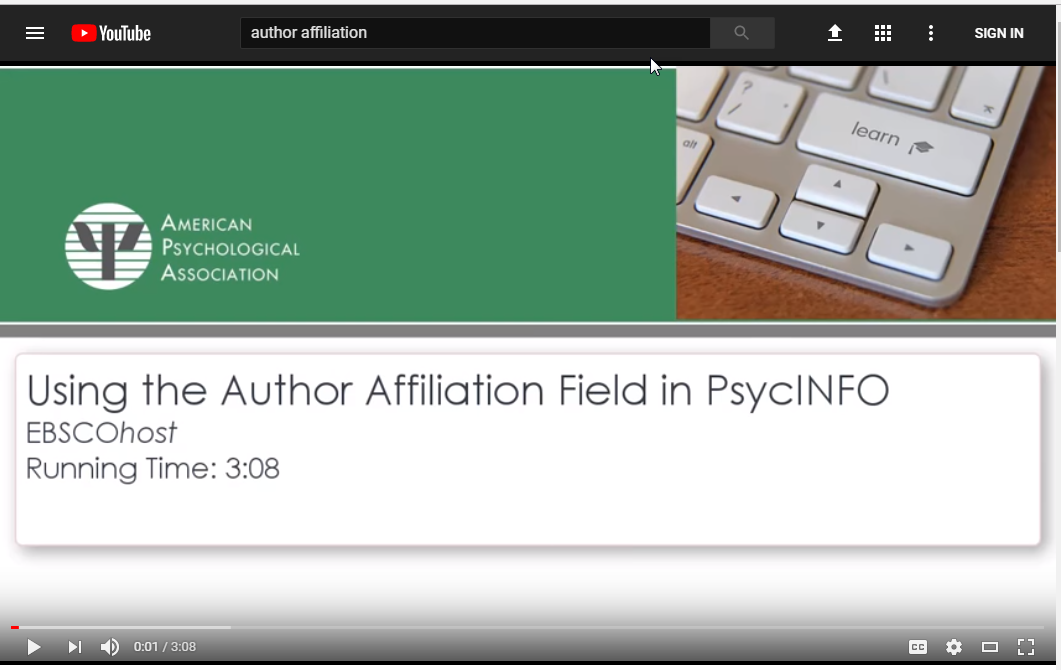
We recently updated one of our tutorials: Using the Author Affiliation Field in PsycINFO on EBSCOhost.

Video thumbnail

Do you want to discover what institutions are conducting research relevant to a specific topic, or track down a corresponding author’s contact information?

The Author Affiliation field in PsycINFO provides information about authors’ affiliations at the time of publication. This can be helpful to psychology students and practitioners who want to locate an author, see the kind of research conducted at an institution, or are considering where to apply to graduate school based on topics of interest.

This three-minute video demonstrates how to use the PsycINFO® Author Affiliation Field when searching PsycINFO on the EBSCOhost platform, and includes:

  • Description and search examples for the PsycINFO Author Affiliation field;
  • Using the Source, Authors, and Address fields to help obtain the contact information for a corresponding author; and
  • How to search for articles written by authors affiliated with a particular institution.

This tutorial is a great resource to link from a LibGuide or course module for any class working with APA Databases on EBSCOhost, and can be helpful in answering email or chat reference questions.

The previous version of this tutorial will remain available, but if you have embedded or linked to it anywhere, we encourage you to update your materials to link to this new version.

Related Resources:

PsycINFO® Expert Tip: Author, Journal, and Test Lookup

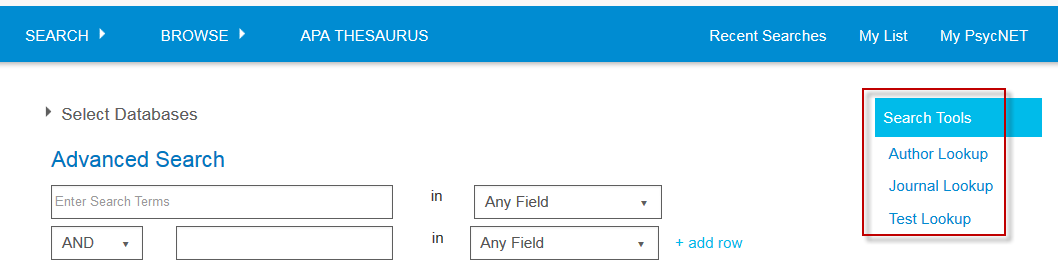
On APA PsycNET®’s Advanced Search page, there are three Search Tools that can help you choose the name of an author, a journal, or a test to add to your search. Author Lookup can search for records in all APA Databases, while Journal Lookup works with PsycINFO® and PsycARTICLES®, and Test Lookup (added in 2017) works with  PsycTESTS®.

Continue reading

Webinar Alert: APA Style CENTRAL® Trainings for September & October 2017


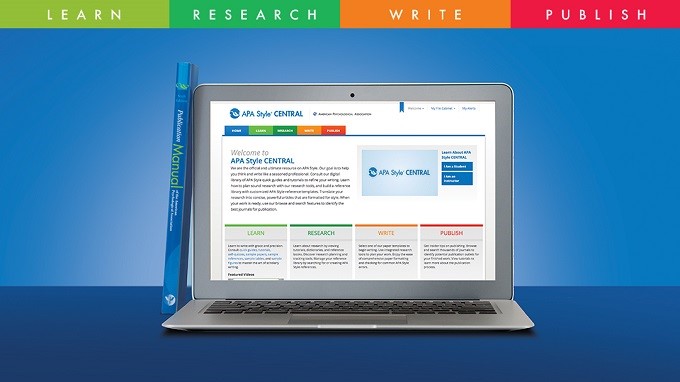
APA Style CENTRAL® is the newest member of the APA Style® family, launched in July 2016.

APA’s training specialists have developed several webinars for librarians, instructors, and students that include a content overview and a live demonstration of features.

Click on any session link to register (all times are EDT).

APA Style CENTRAL Online Introduction introduces librarians, faculty, and students to the platform:

Teaching with APA Style CENTRAL details how faculty, librarians, and other instructors can use APA Style CENTRAL in teaching APA Style:

Writing Papers in APA Style CENTRAL teaches end users how to create and save papers using APA Style CENTRAL:

For more information, including the full training schedule, visit the APA Style CENTRAL webinars page.

Tutorial Thursday: Importing References into Your My References List

It’s Tutorial Thursday! In this series, we explore APA’s library of video tutorials available on the PsycINFO® YouTube channel and the APA Style CENTRAL® YouTube channel. Please feel free to link to or embed our videos in your library websites or LibGuides, course management systems, or other locations where students, faculty, and researchers will find them.

For today’s edition of Tutorial Thursday, we’d like to highlight a video on our APA Style CENTRAL YouTube channel: Importing References into Your My References List.

https://www.youtube.com/watch?v=yR2ovwfxvq8

References can be imported as a .ris file (or compatible .txt file) from a research platform, such as APA PsycNET®, or from a reference manager, such as RefWorks. A .ris file is the standardized format that allows programs to exchange bibliographic records.

This short tutorial will help you use APA Style CENTRAL’s built-in tools to:

  • Import references by uploading an RIS file;
  • Edit these imported references in your My References list.

Please feel free to link to this tutorial in any location where students, faculty, and researchers will find it!

Want to learn more? View related resources:

What’s New with APA PsycNET

On July 17, the APA PsycNET platform released a refreshed version that included a new look and feel, as well as a technology upgrade.

We hope this refresh has allowed you to continue your research seamlessly.


The features that you’re used to on APA PsycNET are still there, including:

  • Your personal My List, My PsycNET, alerts, and saved searches;
  • Thesaurus or Term Finder;
  • Cited References search;
  • An unchanged search algorithm;
  • The same records and full-text as before, with regular weekly updates.


We’ve also added some new tools to assist you, such as related content, a test lookup tool, and additional browse options.


If you would like more information about these new tools, please view our webinar on the APA PsycNET changes.


Or view the slides detailing APA PsycNET’s new additions.